
 Log in
 Steal these ideas
 Pricing
 Docs
Steal these ideas / Guess the jar
Daily Drop · 16 Nov 2026 · Openers
Guess the jar: a live poll for Google Slides
A photo of a jar of jellybeans; the room guesses, the Average line lands 12 off and the 500 bar lights up as correct.
Free to start. Works in the Google Slides you already use.
How to set it up
- Get Doppio. Install the free Chrome extension and the Google Slides add-on. It takes about two minutes.
- Add a poll to your slide. In Google Slides, open the Doppio sidebar (Extensions → Doppio) and create a poll with your question and options. The chart in the video is Average marker (spread look) + correct-answer reveal.
- Present as normal. The room scans the QR code on your slide and votes on their phones. The results build live on the slide.
What's in the video
Got a jar of jellybeans? Then you've got a party trick for your next session. Louis here with today's Daily Drop: guess the jar. Put a photo of the jar on your slide, and ask: how many jellybeans are in the jar? Three hundred, four hundred, five hundred, six hundred, or seven hundred? Watch the votes roll in. Doppio's average line slides along with every guess. Then, when voting closes, the right answer lights up: five hundred. Only a quarter of the room got it. But the room's average? Five hundred and twelve. Just twelve off. Together, the room beat three out of four people in it. Grab this idea, and add it to your own deck in seconds, at doppio.live/ideas. See you tomorrow for another freshly brewed Daily Drop!
Run guess the jar in your next session
Doppio puts live polls, scales and quizzes inside your Google Slides, styled to match your deck. Your audience votes from their phones, no app needed.
Get Doppio free →More ideas to steal
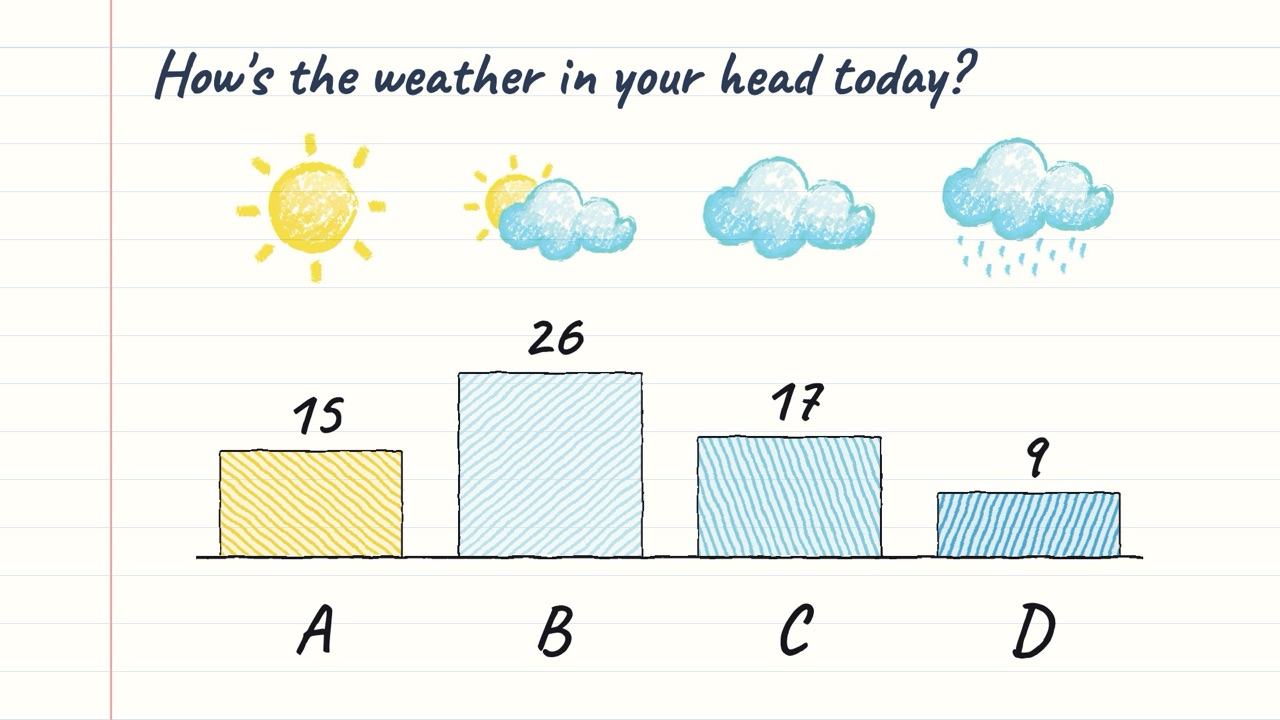
The weather check
Four crayon weather sketches on a notebook page ARE the options; the pencil chart under them only says A–D.
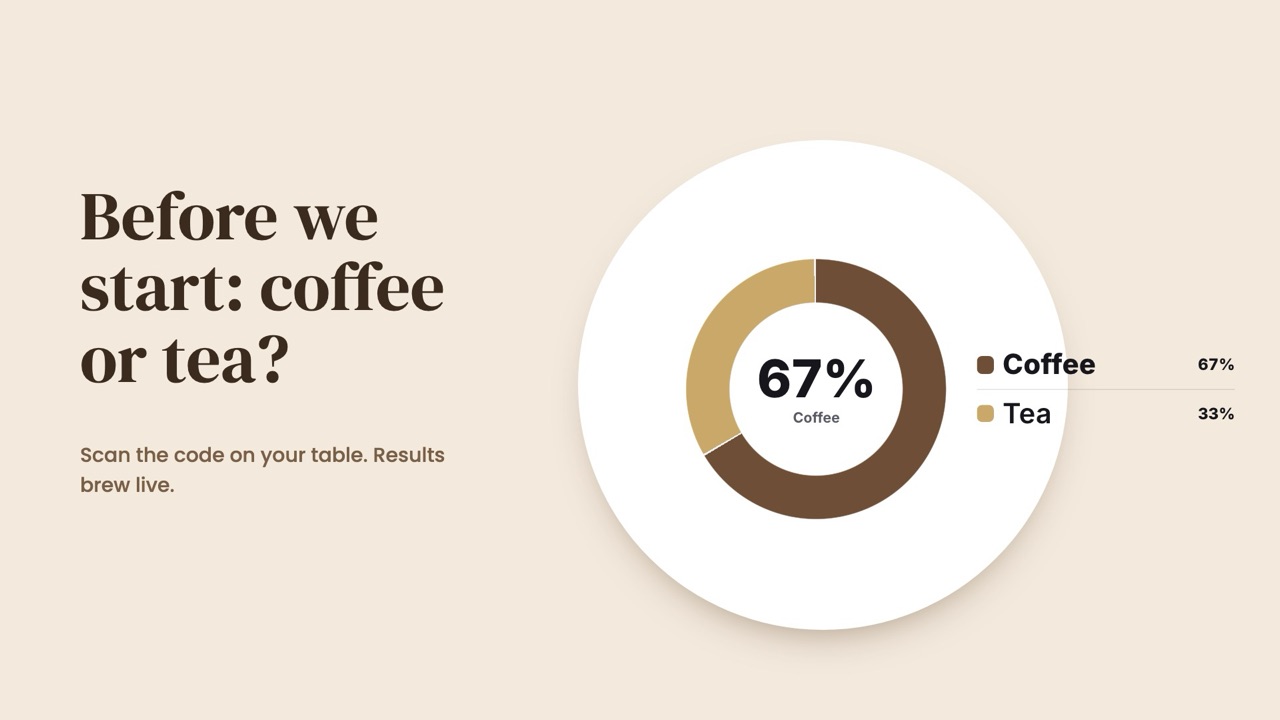
Coffee or tea
A silly opener with a serious job: everyone's phone is connected before you start.

Agree or disagree
Put a bold statement on the slide and let the room take a side before you argue it.